Designer
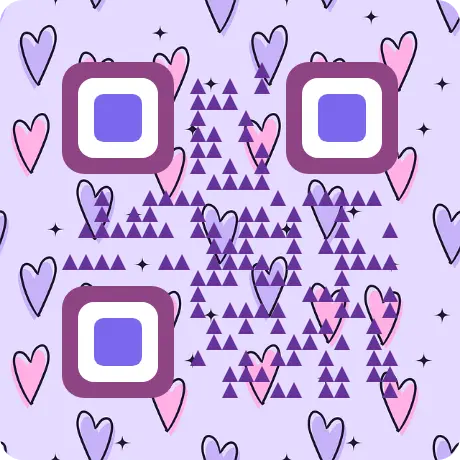
Beautiful QR codes, no design skills needed
Pick a preset, drop in your logo, tweak the colors. Done.

Smart Scan AI is a fast, friendly QR & barcode toolkit. Scan with your camera, design beautiful custom codes, and keep your history — all in one place. Try it instantly in your browser, or get the full Android app.
From a quick scan to a fully designed QR with your logo, Smart Scan AI covers it.
Real-time QR & barcode detection with your phone or laptop camera.
QR, Code 128, EAN-13, UPC-A, Data Matrix, PDF-417, Aztec, and more.
Colors, shapes, your logo, gradient backgrounds, and presets to match your brand.
Every scan saved locally. Search, filter, favorite — your data stays on your device.
Detects in milliseconds. No signup, no upload — runs entirely in your browser.
Get plain-language explanations of any scanned content with our Android app.
Every one of them runs in your browser. No signup, no upload, nothing stored on a server.
Turn your network name and password into a QR code. Guests scan it and connect automatically — no more reading out 16 characters.
Put your name, phone, email and site on one code. A single scan drops you straight into someone’s contacts.
Code 128, Code 39, EAN-13, EAN-8, UPC-A, ITF and Codabar, made in the browser and downloaded as PNG or SVG.
Upload a photo or a screenshot and read the code out of it. Handy when the code is already on your screen.
Paste a list and get a code for every line, then download them all as a ZIP or print them on a sheet. The one job a phone cannot do.
Colors, shapes, your logo and presets, with a live check that the code still scans.
Scan with your camera straight from the browser. 17+ formats, detected in milliseconds.
Pick a preset, drop in your logo, tweak the colors. Done.
Everything people usually want to know before they scan their first code.
Yes. Both the website and the Android app are free to use. There is no signup, and the website has no ads.
Yes. The web scanner uses your device camera directly. Camera frames are processed in your browser and never sent to a server. You can also upload an image to scan a code from a photo or screenshot.
Yes. The QR designer lets you add a logo, change colors, pick from several module and eye shapes, and apply built-in presets. Codes are checked to remain scannable as you customize them.
Scanning supports 17+ formats including QR, Code 128, EAN-13, UPC-A, EAN-8, Code 39, Code 93, Codabar, ITF, PDF-417, Aztec, and Data Matrix. The web generator currently outputs QR, Code 128, Code 39, EAN-13, EAN-8, UPC-A, ITF, and Codabar.
Your scans are stored locally in your browser using IndexedDB. Nothing is uploaded to a server. Clearing your browser data will remove your history.
AI analysis, video & PDF scanning, themes, QR Academy, and more.